Family calendar features for the whole house.
Calendars, routines, chores, rewards, dinners and a map of your trips, on the tablet or TV you already own. Every feature below is included in the 14-day free trial.
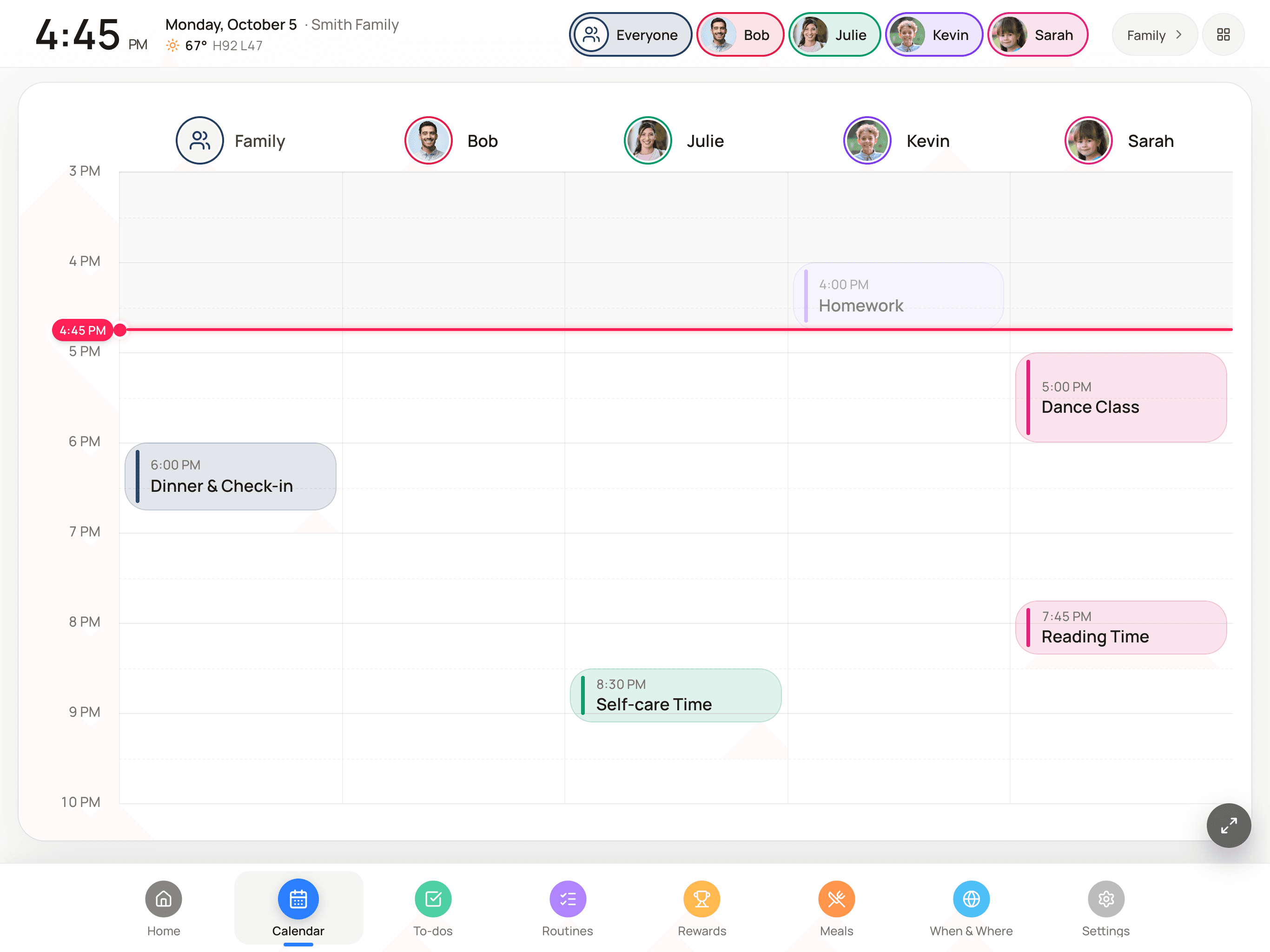
Every family calendar in one view
Connect the calendars your family already uses and each person gets their own color. Filter the wall to one person, or see everyone side by side in their own lane.
- Google Calendar, Apple iCloud, Outlook and any ICS feed, including school and sports schedules
- Today's list and Quick glance layouts on every plan
- Day timeline, Family columns and Week ahead layouts on Pro
- Each layout works in landscape or portrait, so the tablet can hang either way
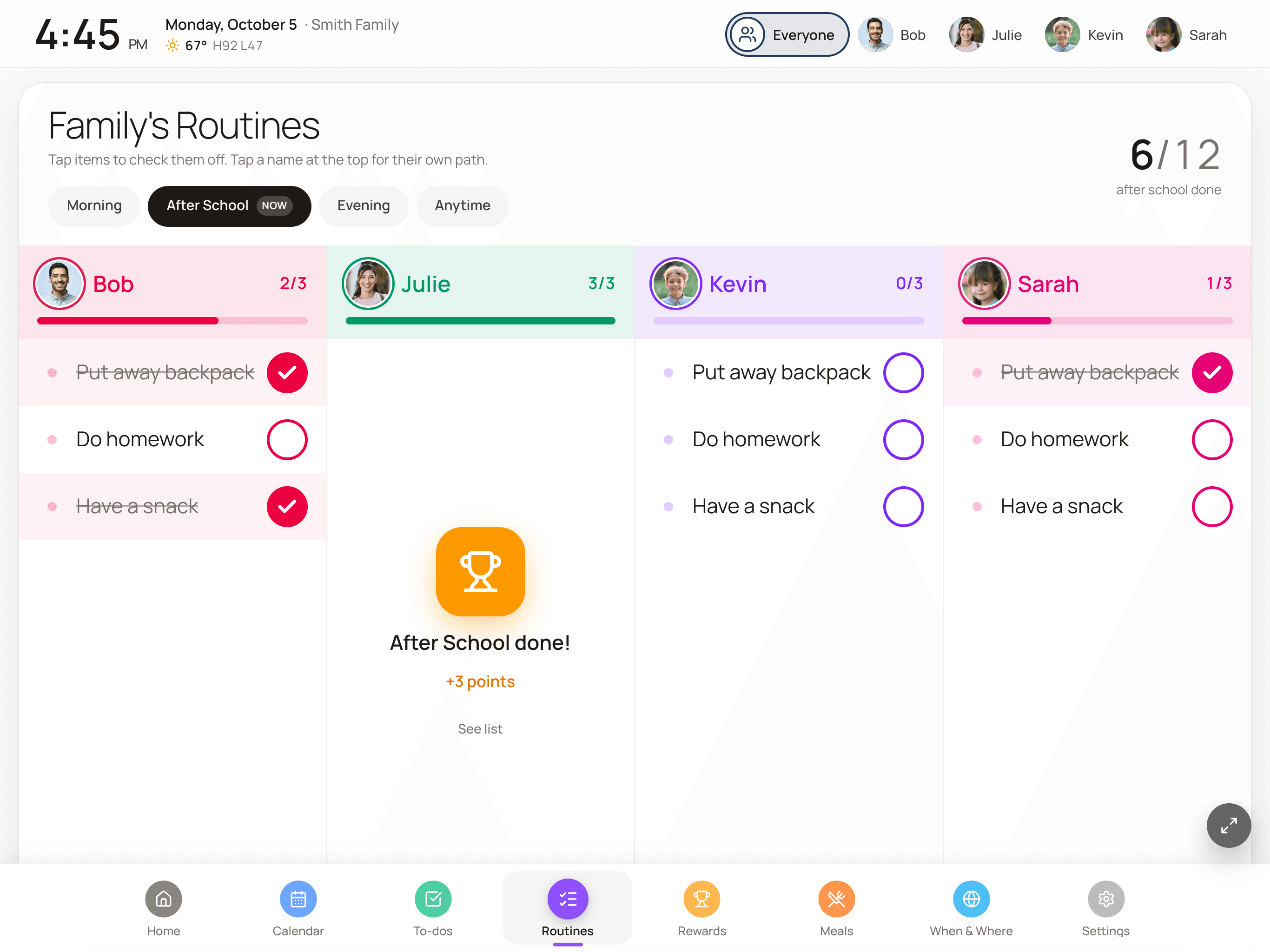
Routines kids run themselves
Morning, after-school and bedtime checklists on the wall. Kids tap each step, the progress bar fills, and everything resets for tomorrow.
- A routine for each person, with their own steps
- Finished routines earn points toward rewards
- Resets on its own each day
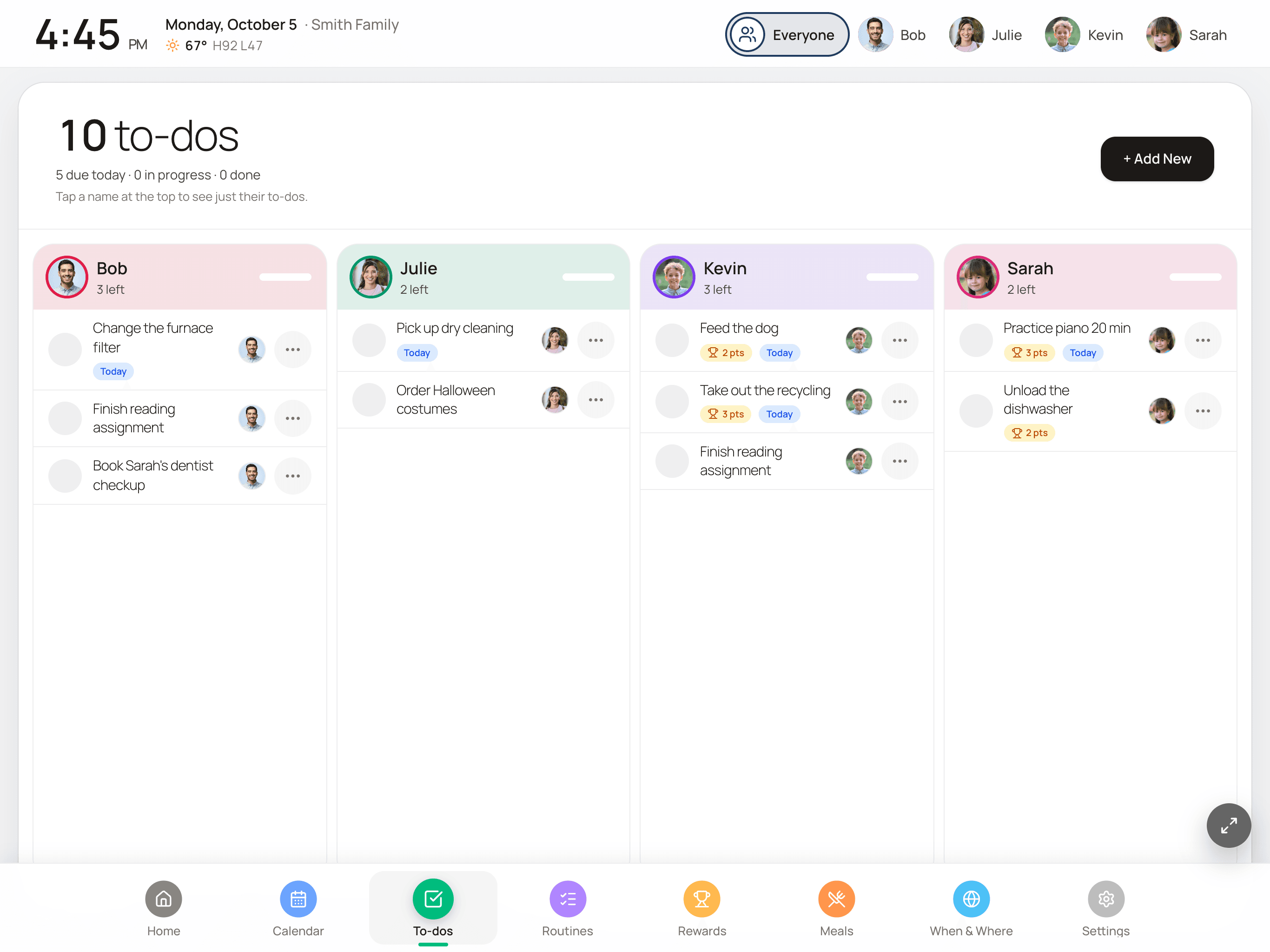
To-dos and chores everyone can see
Give a chore to one person or the whole family. It stays on the wall until someone taps it done, so nobody has to be reminded twice.
- A column for each family member
- Assign to one person or everyone
- Done items earn points
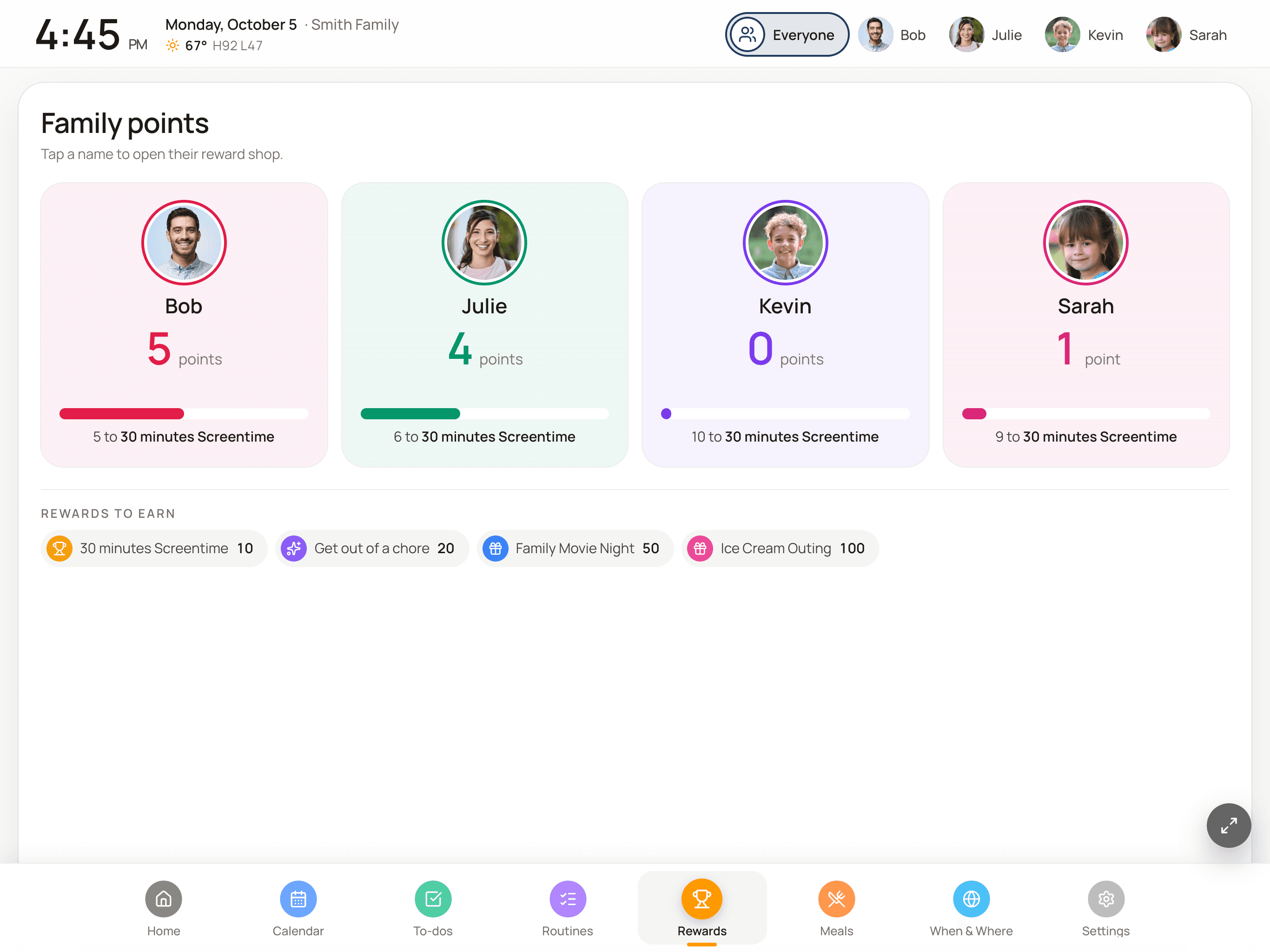
Points and rewards worth working for
Finished routines and to-dos earn points. You decide what points buy: screen time, allowance, or picking Friday's movie.
- Each person's points on the wall
- Progress toward their next reward
- Rewards you set yourself
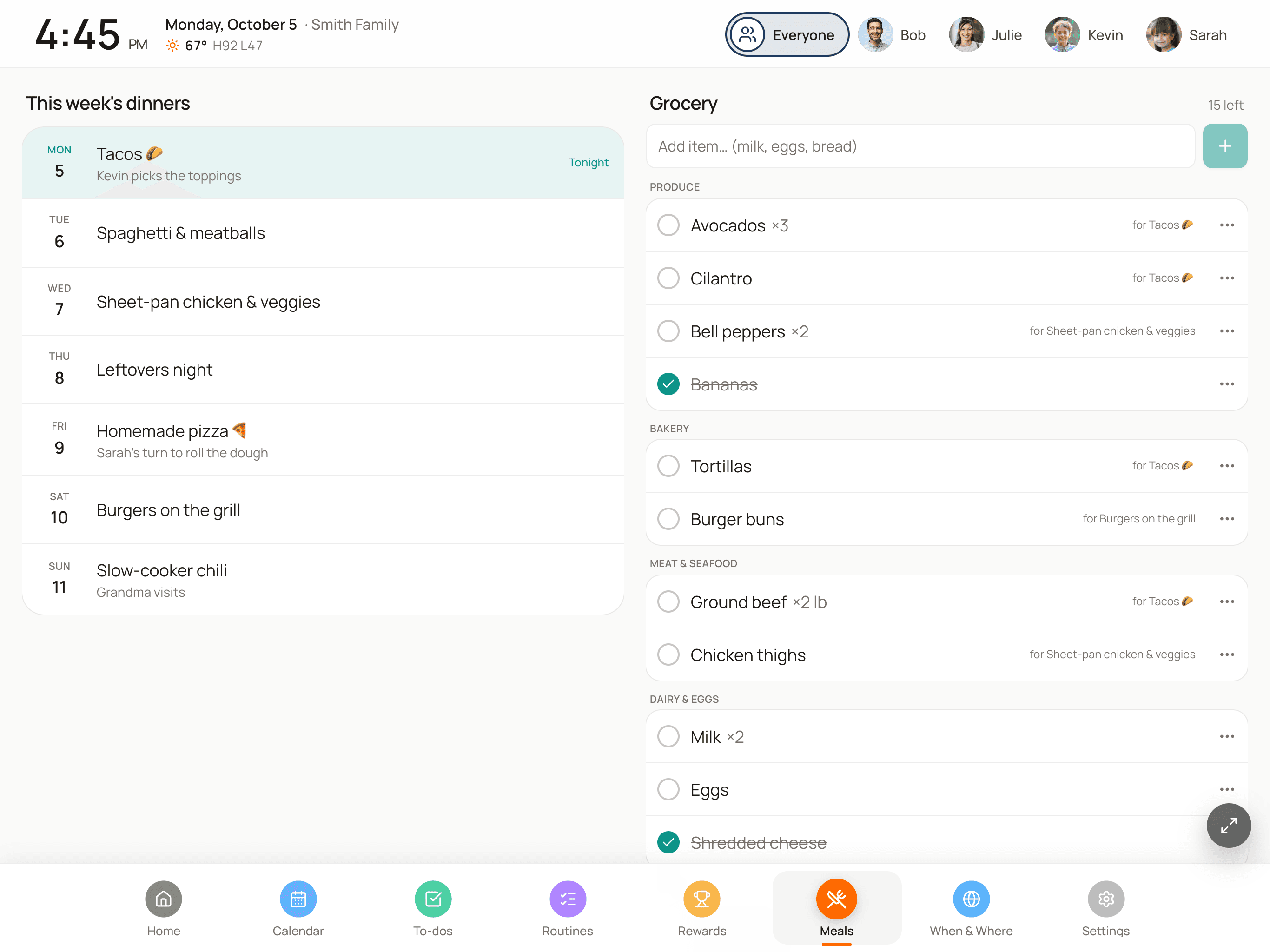
Meal planner and shared grocery list
Plan the week's dinners from your phone and the wall shows tonight's on Home. The grocery list sorts itself by aisle and updates on every phone in the house.
- Recent dinners come up as suggestions
- Repeat last week fills a quiet week in one tap
- Items land in their aisle, and duplicates are skipped
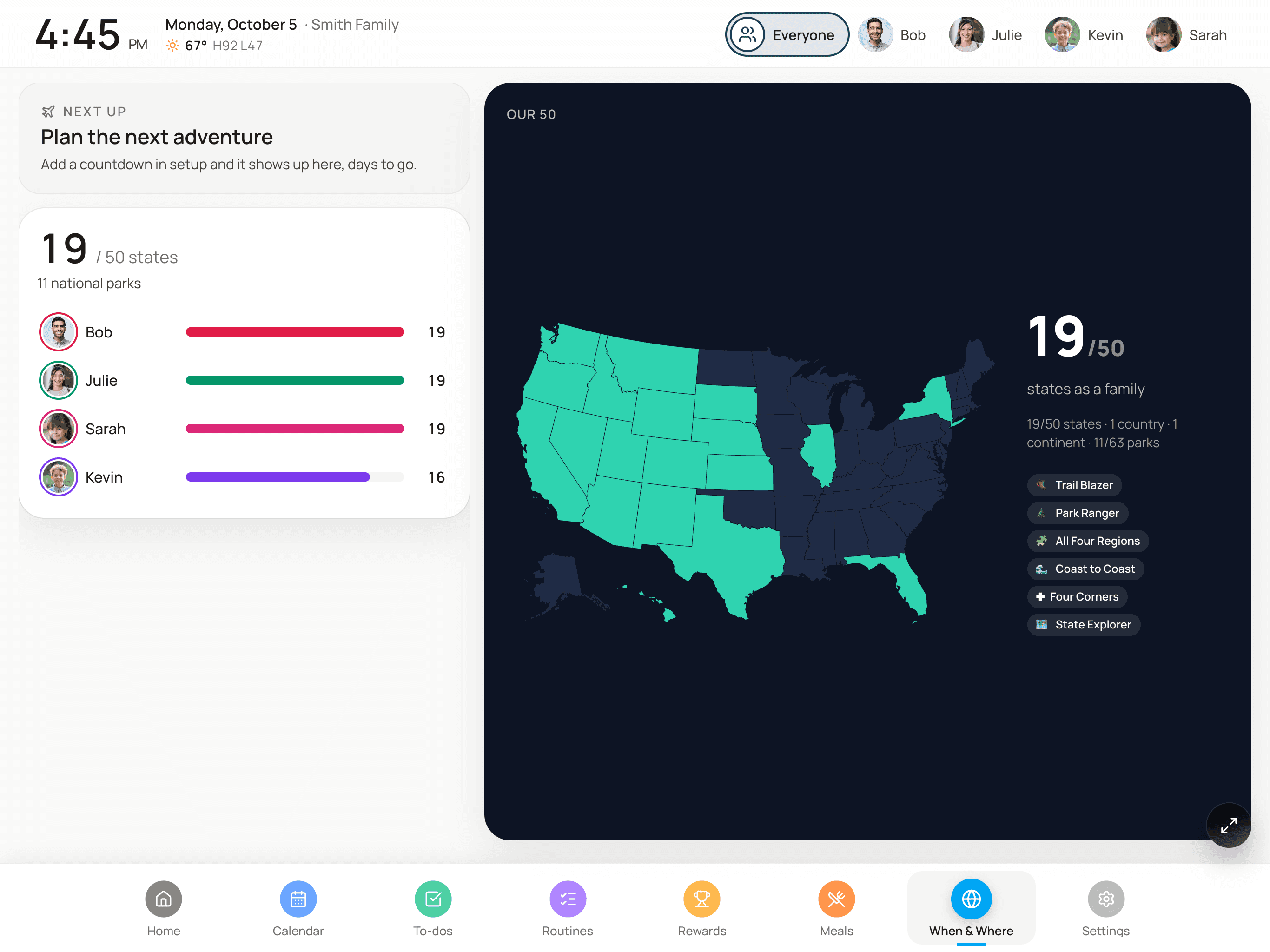
When & Where: a map of everywhere you've been
Tap the states, countries and national parks your family has seen. The wall rotates from the family map to one for each person, and badges like Four Corners and Coast to Coast come as you go.
- Map, check-offs, badges and custom lists on every plan
- Trip photos and import from your photos' locations on Pro
And the details that make it work on a wall.
Home screen at a glance
What's next, today's schedule and, on Pro, routines, points, tonight's dinner and to-dos on one screen.
Weather
Today's temperature and the high and low sit next to the date at the top of the display.
Countdowns
Count down to birthdays, trips and big days right in the top bar.
Memory-tour screensaver
When the screen is idle, your trip photos play back as a memory tour in three styles, with quiet hours.
More than one screen
Basic includes 1 display. Pro includes 2, say the kitchen and a kids' room, each with its own layout.
Add the TVPIN-protected settings
Lock the display's settings behind a 4-digit PIN so curious kids can't change them.
Manage it from your phone
Edit events, chores and the grocery list from your phone, and invite another adult to help.
Family members
Up to 4 people on Basic, unlimited on Pro.
Basic or Pro?
Basic puts the family calendar, weather and travel map on the wall. Pro adds routines, chores, rewards, meals, countdowns, every layout and a second screen.
Compare plans and pricesComing from Skylight?
FamDisplay does the same job without a dedicated screen to buy.
FamDisplay vs SkylightTry every feature free for 14 days.
No credit card. No hardware to buy. Cancel anytime.